Although many full-featured audio editing programs are available with the ability to record sound, we found the need for an application-oriented program that just concentrated on audio recording. RecAll standard, our basic recording program, has several features which are useful for dictation, telephone monitoring, radio monitoring, security, and other applications. RecAll-PRO has several more features. If RecAll is a "swiss-army knife" with 5 blades, RecAll-PRO has 20 blades.
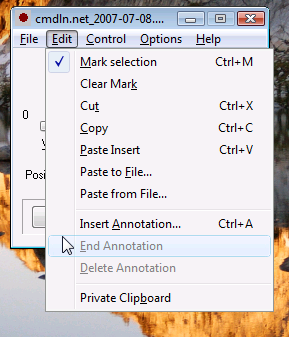
The program allows cut-and-paste editing of audio files. For compressed audio, editing is done in the original compressed format. Contrast this with most audio editor programs, that decompress the file upon opening, perform any edits, and then recompress again at closing.
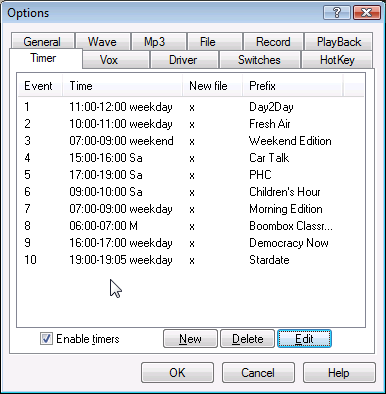
RecAll standard has a built-in timer with only 3 timer events. RecAll-PRO can handle 40 timer events.
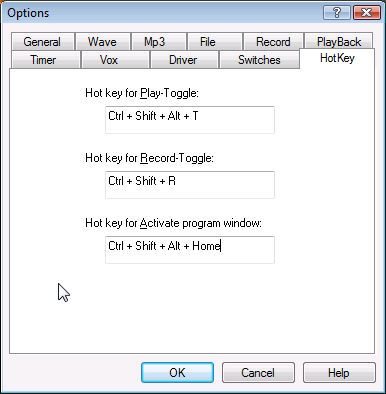
This program allows several hot-keys to be defined for controlling operations such as record, playback, etc. These keys are active even while you are typing in another program, such as a word processor. An operator might be transcribing an audio recording, typing in Microsoft Word. While staying in Word, the operator can start and stop audio playback as needed.
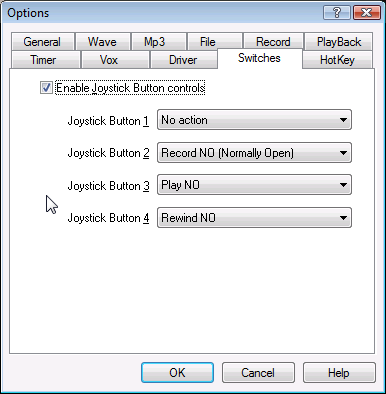
Some applications need to control the program from external hardware.
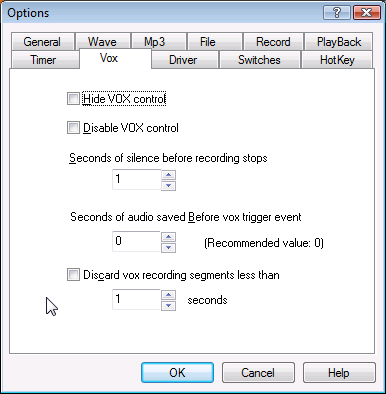
Now you can hide and disable the Vox control, and add timing parameters for sound activation.
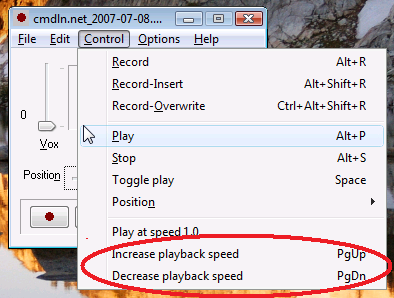
Hit the PgUp key to speed up audio playback (without changing pitch, of course) and use PgDn key to slow down.
The program allows multiple instances to run at the same time. This might allow you to record from more than one sound card at the same time (multichannel recording).

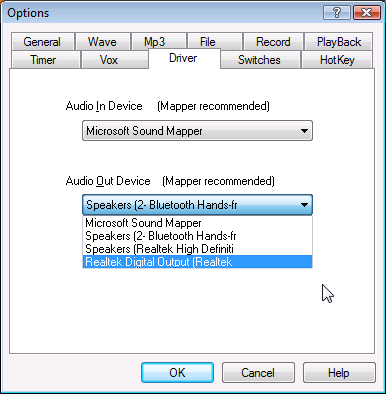
RecAll standard assumes the default audio-in and audio-out devices, but RecAll-PRO allows you to select which sound card device is used, for computers with multiple sound cards.
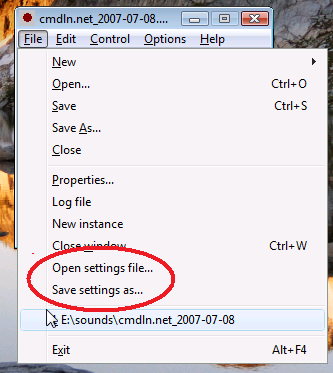
RecAll-PRO allows you to save/load the current settings using a text-based .INI file. Settings files may be loaded from the command line. This is particularly useful when running multiple instances of the program, since each instance can point to a different input audio driver, as one example.